
When creating a standard Template in Xodo Sign, you define Roles to represent each person who will sign or receive the document. Roles are placeholders — you fill them in with actual signer details each time you use the template.
What are roles?
Roles identify who should sign or receive a copy of the document. For example, a Sales Contract template might have two signer roles — "Sales Rep" and "Client" — plus a CC role for the "Finance Department".
Each role requires a display name. When you use the template, you fill each role with a real person's name and email address.
Pre-filled roles
Roles can be pre-filled with specific contact details during template creation. Pre-filled roles are automatically populated every time the template is used — useful for fixed recipients like a department email or a specific team member.
Variable roles (such as "Client") are left empty and filled in each time the template is sent.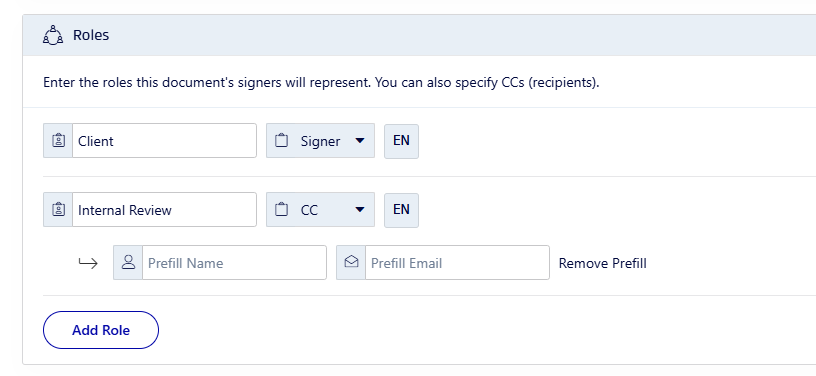
Template Link roles
Template Links support only one signer role. The signer enters their own name and email address when they access the signing link.